
Workshops
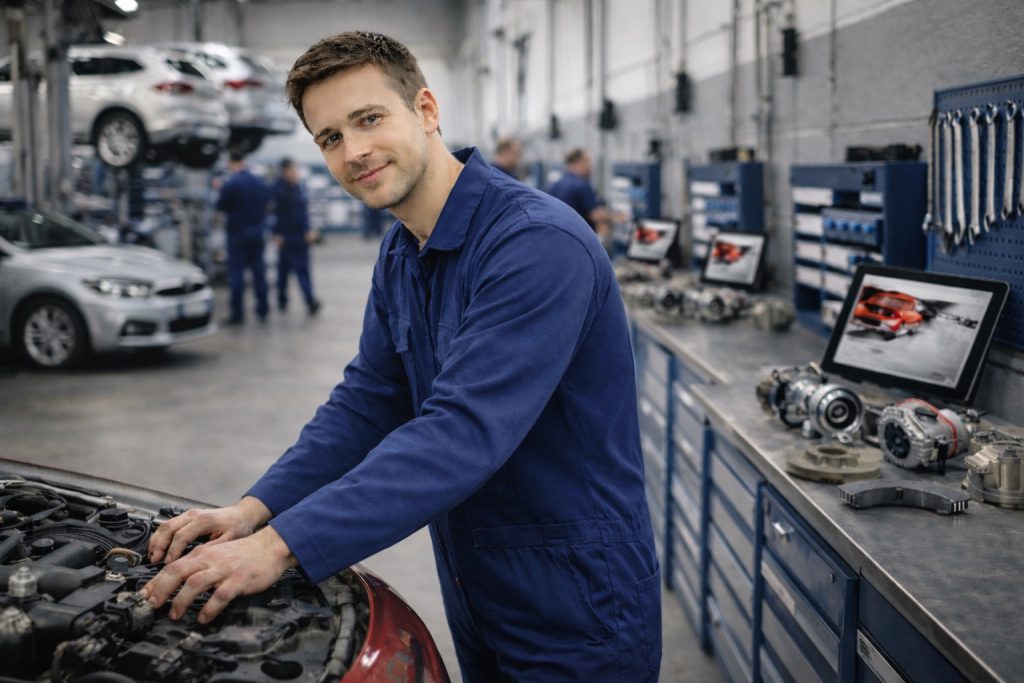
Autonet supports you with better oversight and a more streamlined workflow. You will usually avoid physically inspecting damage and you can use your time more efficiently.

Avoid unnecessary steps and waiting time!
Less
administration
Spend more time on repairs — less on calls, estimates and inspections.
Better
images
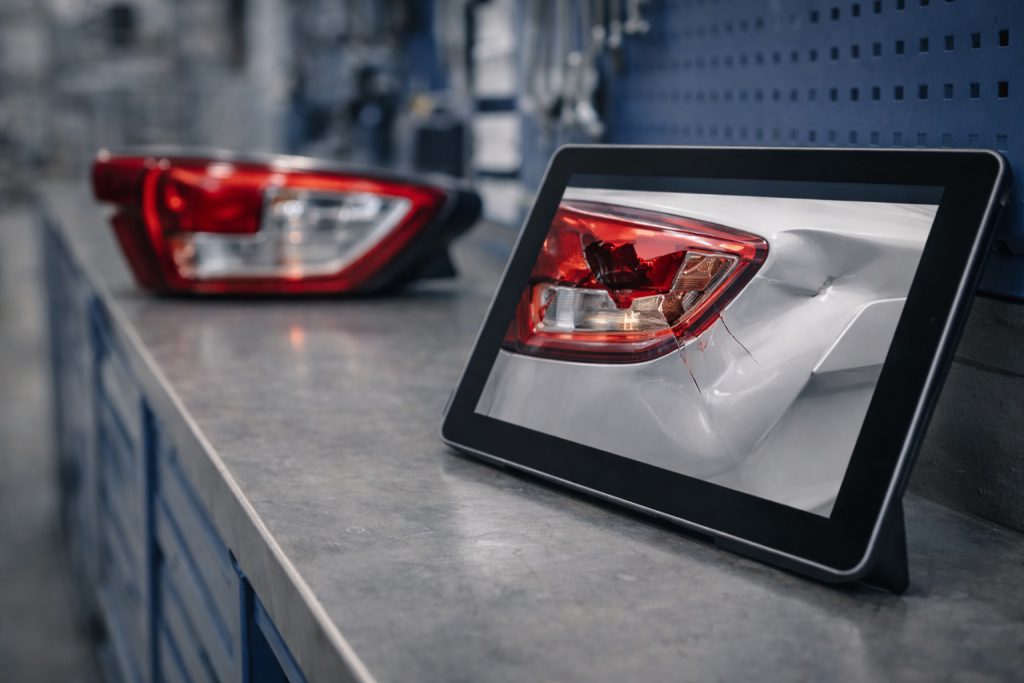
Customers are guided to take high-quality images of the damage.
More effective search for used parts
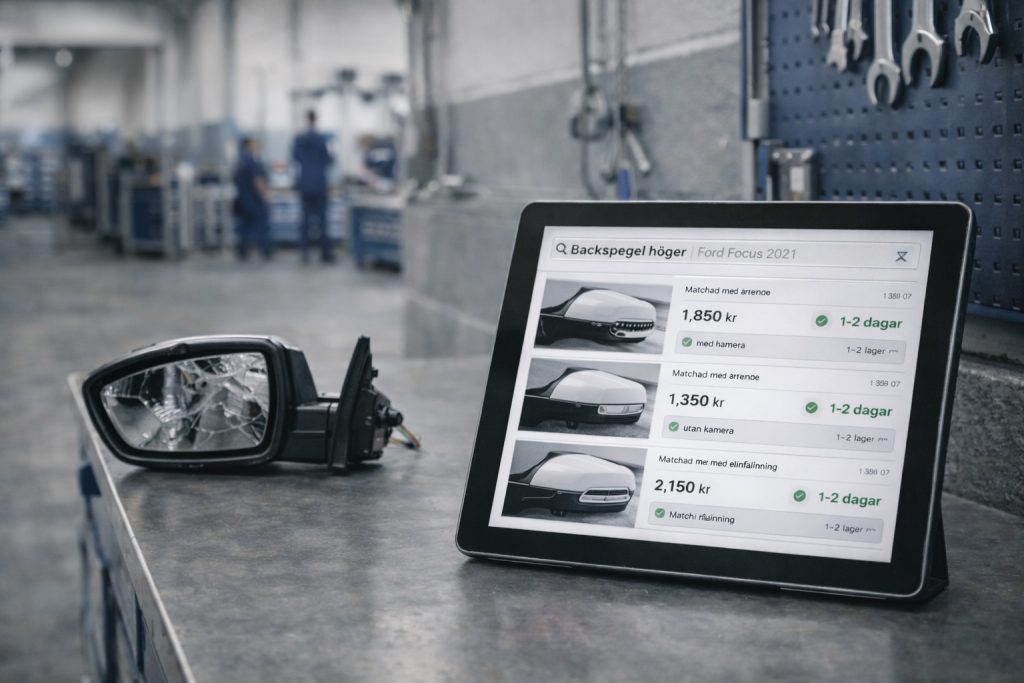
Find more used parts that can be ordered straight away.
A simpler process
More time for the work that generates money
When a claim is processed via Autonet, the customer takes images of the damage themselves. Our app guides them through taking the images so that you have the best possibility to assess the damage.

You’ll receive an email when the case is allocated to you, after which you can log into our system to review the images and determine if any additional images or a physical inspection is required. In most cases, that’s not necessary and you can proceed to create a cost estimate and book an appointment for repair.
If you need to contact the customer, you can do so via our system – no more long calls or email chains!
Finding used parts is also easier since you can find and order them directly in our system, and therefore you can include them in your initial cost estimate.
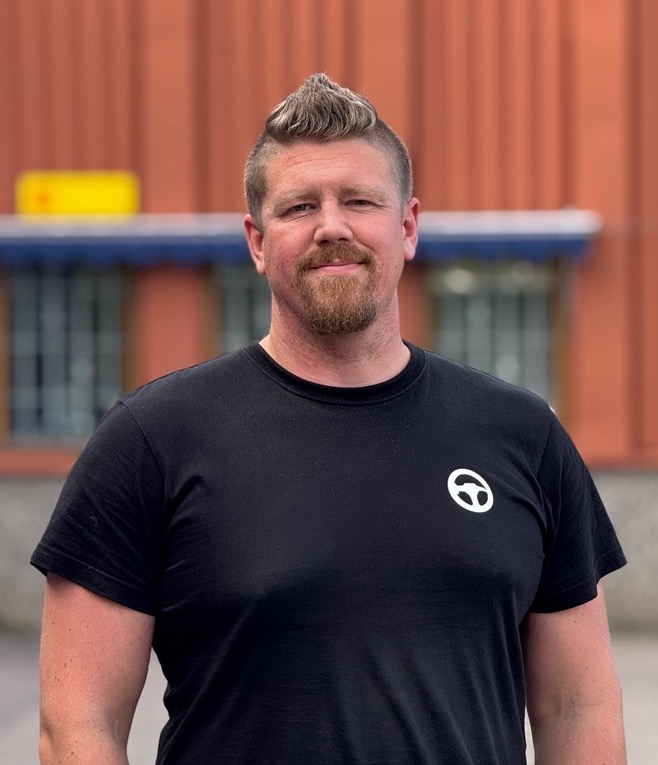
Matte at Werksta Sundsvall
“The best tool on the market”
Autonet is easily the best tool on the market to get high-quality images. It creates a better workflow for us, which in turn provides a better customer experience.
The biggest difference between Autonet and other providers is that customers receive better guidance and therefore take better images. That means it’s easier for us to assess the damage. It’s also easy to download the images, access the customers details, and create cost estimates.
Compared to previous solutions the whole process is a lot faster, which everyone benefits from: the customer, the insurance company, and us at the workshop. Autonet’s service also facilitates communication. Now we essentially just have to press a button to ask for more information or book the customer’s appointment, instead of having to call them.
Matte Eriksson, Site Manager, Werksta Sundsvall
Products
-

AutoReuse
A simplified process for finding and ordering used parts that increases reuse rates and reduces environmental impact.
-

AutoClaim
A more streamlined, AI-powered claims management that saves time, money, and the environment.
-

AutoCheck
The easiest way to verify cost estimates to lower your repair costs and increase use of used parts.
-

AutoTow
Streamline the process of towing cars, make use of our workshop selection and AutoReuse for the repairs, and speed up write offs.
Frequently asked questions
Why do I need to log in to see the case?
You need to log into our system to see the images and the information due to GDPR. Once you’re logged into the system you can easily, at a time that suits you, review the images, book an appointment with the customer, and find used parts.
How do I order used parts via Autonet?
When you’re logged into the system and viewing a case, you can see the used parts that we’ve found for that car (searching on the whole market). In the system, you can select whether you want to order the parts or decline them.
What do I do if a physical inspection is still necessary?
If you suspect the damage on the car might be more extensive than is visible in the images, you can send a message to the customer via our system to book an appointment for them to come in.
Want to learn more?

Don’t hesitate to get in touch with questions or thoughts!
Together we’ll build smarter claims management.